
By Branched Out Marketing | Aug 31, 2026 | Tree Service Marketing
The phrase “lose 70% of visitors” sounds precise, but it usually describes a broad drop-off between arriving on a website and taking a measurable action. It does not automatically mean that seven out of ten people wanted an estimate and abandoned it. A useful analysis separates casual traffic from visitors who have a genuine need, then examines where each group leaves. That distinction makes a tree service website conversion problem easier to diagnose and fix.
Traffic is simply the number of visits, while engagement includes actions such as reading a service page, viewing a gallery, or tapping a phone number. A qualified lead has gone further: the visitor has a relevant project, is within the service area, and has made contact or clearly requested a response. Treating all three as the same metric can make a healthy site look weak or a leaky one look successful.
A visitor who spends two minutes comparing emergency tree removal information may be more valuable than five visitors who land on the homepage and leave immediately. Review the journey from source to landing page to action, rather than judging the site by visits alone. The practical question is not only how many people arrived, but whether the right people could understand what to do next.
A visitor from a branded search may already know the company and be ready to call. Someone arriving from a general informational query may still be learning whether trimming, removal, or stump grinding is appropriate. Paid campaigns, map listings, referrals, and social posts also bring different levels of intent, so one combined abandonment rate hides useful differences.
Device matters just as much. A desktop visitor may tolerate a longer page, while a homeowner standing beside storm damage on a phone usually needs a fast answer and a tap-to-call option. Compare conversion behavior by device, channel, campaign, and landing page before deciding that the entire website has the same problem.
High-intent searches tend to contain a service, a place, or an urgent situation. Phrases related to tree removal near a city, storm cleanup, dangerous limbs, or an estimate suggest that the visitor wants reassurance and a direct route to help. They are rarely looking for a long company history before they can find a phone number.
That does not mean every page should be stripped down. It means the page should answer the visitor’s immediate questions in a sensible order: do you provide this service, do you work nearby, can you handle the situation, and how quickly can I reach you? A tree service landing page can keep those answers together instead of sending the visitor through several unrelated pages.
A missed call is an operational event; a missed conversion is a broader failure that may happen before the phone ever rings. A visitor can abandon a form, tap a broken number, decide that the service area is unclear, or leave because the page feels unsafe. Counting only completed calls therefore understates the opportunities being lost.
Look for signals that sit between arrival and completed lead. Phone clicks without connected calls, repeated visits without contact, and form starts without submissions can each point to a different repair. The goal is to understand the friction, not to force every visitor into the same conversion path.
A tree service website often loses people through a series of small problems rather than one dramatic mistake. A slow page, vague headline, hidden phone number, and complicated form can each remove a few potential customers from the journey. Together, they create the impression that contacting the company will take more effort than it is worth. Reviewing your site against a checklist of core tree service website elements before increasing traffic can catch most of these issues at once.
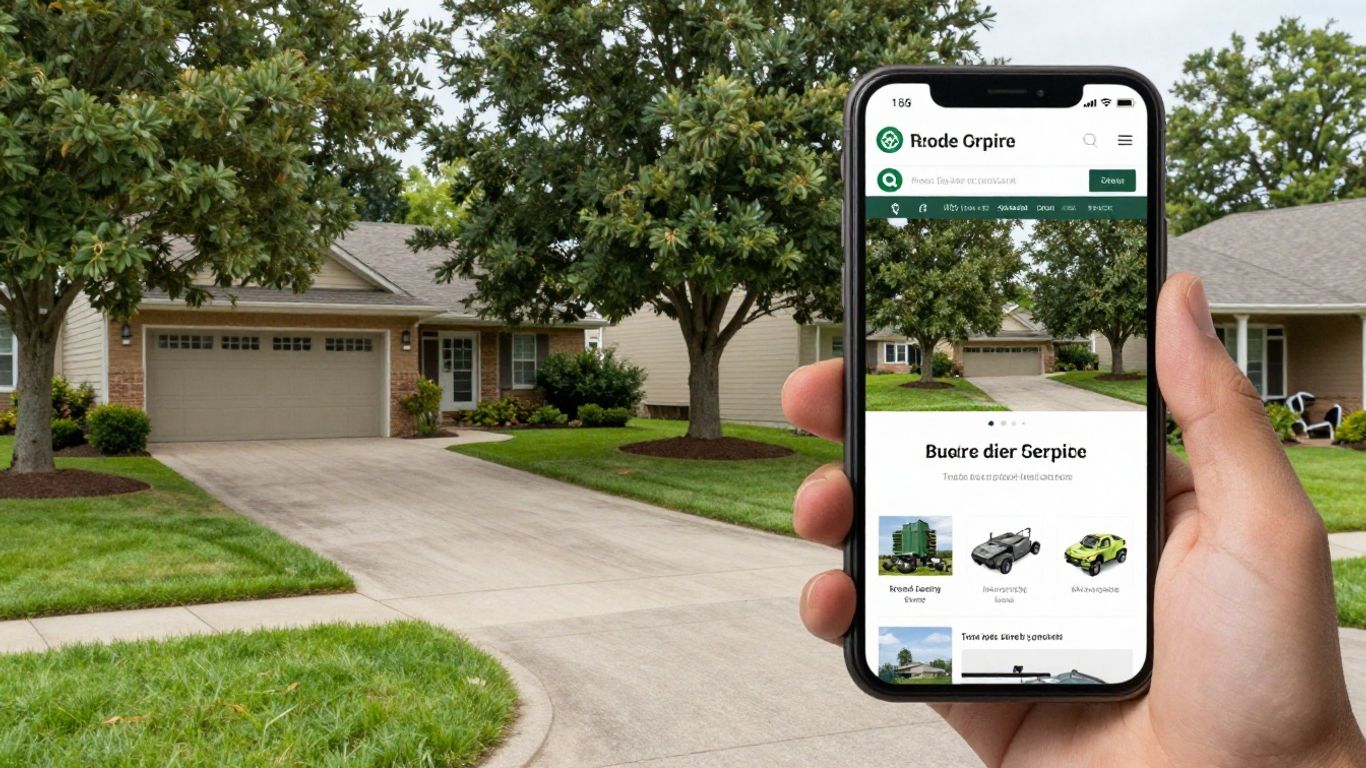
The image of a visitor using a phone beside a property captures a common context: the person may be making a decision while inspecting a tree, driveway, roof, or storm-damaged yard. Pages need to work in that moment, not only in a quiet desktop browsing session.
Large images, unnecessary scripts, and layouts that shift while loading can make a visitor give up before the core message appears. Mobile users may also struggle with tiny buttons, horizontal scrolling, or phone numbers that are difficult to tap. Even a well-written page cannot convert someone who never reaches its call to action.
Research from Google has found that roughly half of mobile visitors abandon a page that takes longer than three seconds to load — and each additional second of delay compounds the drop-off further. For a tree service site, that gap is often the difference between a homeowner calling from the driveway and one who gives up and calls a competitor instead.
Test the experience on an ordinary phone and a typical cellular connection. Compress project photos, remove elements that do not support the visitor’s decision, and make the first screen useful before decorative content loads. Speed improvements should be judged alongside completed calls and forms, not as an isolated technical score.
The first visible portion of a page should quickly establish the service, location, and reason to continue. “Quality outdoor solutions” is too broad for someone searching for emergency tree removal. A direct headline such as “Tree removal and storm cleanup in [service area]” gives the visitor a clearer reason to stay, provided it accurately reflects the business.
The supporting copy can then explain the next step, whether that means calling for an assessment, requesting an estimate, or sending project details. The page does not need to answer every possible question above the fold. It does need to remove the first uncertainty: “Am I in the right place?”
Visitors should not have to inspect a crowded menu to find the services or contact page. A phone number buried in the footer is especially inconvenient on mobile, where the visitor may be ready to act immediately. Navigation should reflect how customers think about the work, with recognizable service names and a visible contact route.
Keep the primary action consistent across important pages. If the header says “Request an estimate,” the service page should not switch to a vague “Learn more” button without a reason. Clear labels reduce the mental work required to move from research to contact.
A general homepage cannot fully answer every question raised by a specific search. Someone looking for stump grinding needs different details from someone dealing with a leaning tree after a storm. When a service page repeats generic company language instead of addressing the job, visitors may assume the company does not handle their situation.
Build pages around real customer questions, including what the service involves, what preparation may be needed, which areas are served, and how to request an estimate. Treating your service pages as part of an ongoing content marketing plan — rather than a one-time setup — keeps them matched to the way homeowners actually search over time.
A form can look polished and still fail if submissions do not reach the right inbox or confirmation page. Likewise, a phone number may be visible but not tappable, or analytics may record a click without revealing whether the call connected. These failures are easy to miss because they affect visitors, not the person reviewing the page.
Run regular tests from multiple devices and verify the full chain: submission, notification, staff response, and reporting. Make sure error messages explain how to recover and that a visitor is not left wondering whether the request went through. Technical reliability is part of the customer experience, not merely an internal marketing concern.
A stronger first impression is less about visual drama than immediate relevance. Homeowners want to know that the company can handle the work, serves their area, and offers a sensible next step. The page should make those answers visible without requiring a close reading. Good design supports that message instead of competing with it.
A useful opening combines what the company does with where it works and what the customer can expect. “Tree trimming for safer, cleaner yards in Raleigh” is more informative than a slogan that could belong to any landscaping business. The benefit should remain accurate and specific, such as improved clearance, storm cleanup, or removal of a hazardous tree.
Keep the opening promise aligned with the page beneath it. If the headline highlights emergency work, the supporting content should explain how urgent requests are handled. Consistency builds confidence because the visitor does not have to reconcile several different versions of the offer.
The call to action should tell the visitor exactly what will happen next. “Call for an estimate” and “Request a tree assessment” are more useful than “Submit” or “Get started.” The best wording depends on the actual sales process, so it should not promise instant service or a response time the team cannot meet.
Place the action near the opening message and repeat it after key information. A visitor who reads about insurance, scheduling, or service areas should not need to scroll back to the top to find the contact option. Repetition is helpful when it follows the visitor’s decision process rather than interrupting every paragraph.
Emergency searches have a different emotional pace from routine maintenance searches. A person dealing with a fallen limb needs a prominent route to urgent help, while someone planning seasonal pruning may want preparation guidance and scheduling details. Combining both audiences in one undifferentiated block makes neither path especially clear.
Use distinct labels and page sections, while keeping claims measured. Explain what qualifies as urgent, what information the visitor should provide, and whether the same phone line handles both requests. This structure helps visitors self-select without suggesting that every situation receives identical treatment.
The phone number should appear where a visitor naturally looks: in the header, near the primary call to action, and close to relevant service information. On mobile, it should open the device’s calling function with one tap. Avoid placing the number only inside an image, where it may be difficult to copy or use with assistive technology.
A visible phone number also needs operational support. If calls are not answered during every advertised hour, provide a clear alternative such as a short form and explain when someone will respond. A prominent number without a dependable response can create a second disappointment after the website has done its job.
A visitor who searches for tree removal in a particular city should land on a page that acknowledges both the service and the area. That page can include relevant job types, nearby service information, photos, reviews, and a direct contact path. It should not force the visitor to infer whether the company travels to the location.
Local relevance should feel natural, not stuffed with repeated city names. Getting this right is largely a local SEO exercise — accurate business information and a consistent local presence do as much for conversion as the page copy itself.
Tree work involves ladders, heavy equipment, property access, and decisions that can affect buildings and utility lines. Visitors therefore look for evidence that a company is prepared, careful, and legitimate. Trust signals cannot replace clear service information, but they can reduce the anxiety that often delays a call. They work best when specific, verifiable, and placed near the questions they answer.
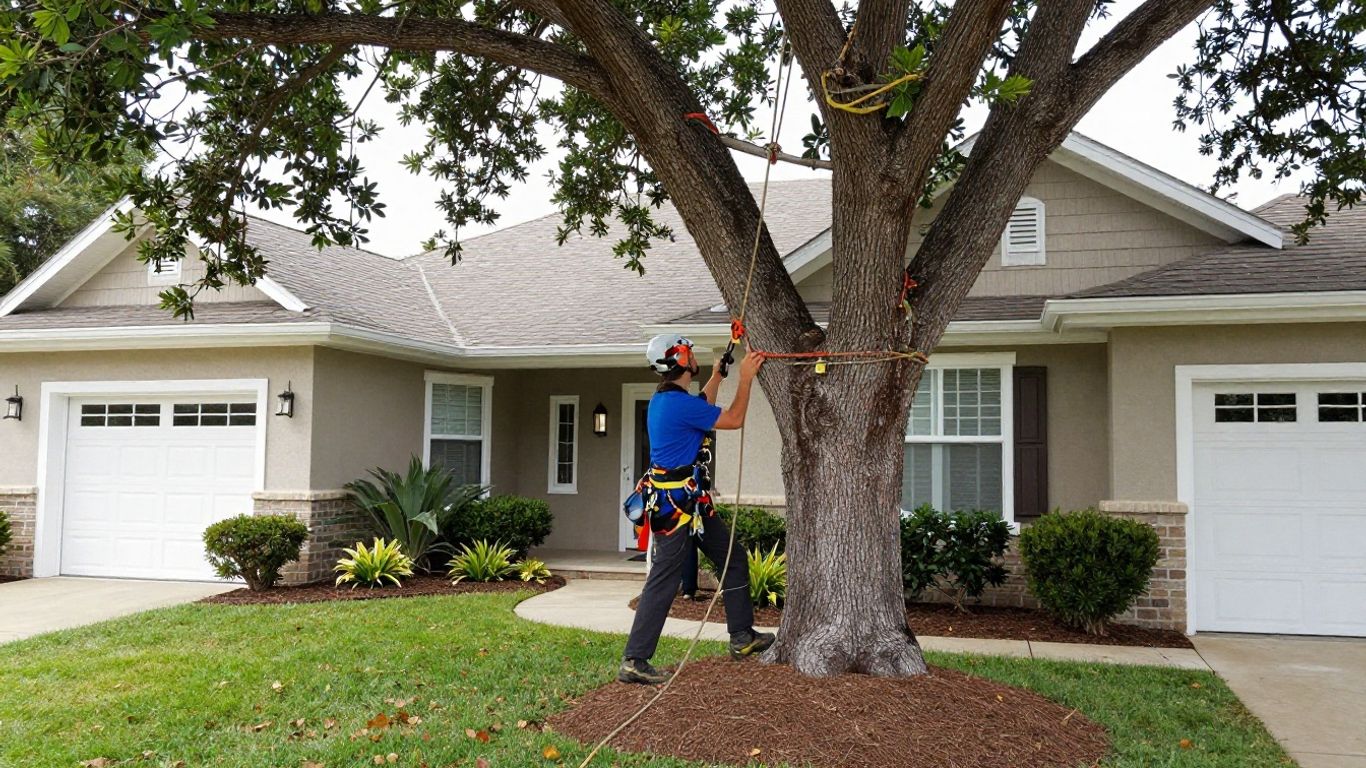
A real project image can make the service feel more tangible when it shows the work environment, equipment, and finished property clearly. It should support the page’s claims rather than serve as decoration with no connection to the service being described.
If the business holds licenses, insurance coverage, or professional certifications — such as ISA (International Society of Arboriculture) Certified Arborist status — state the details plainly and keep them current. Avoid a row of unexplained badges that asks the visitor to guess what each one means. A short explanation of the credential and its relevance to the work is more useful than a collection of logos.
Only publish information that can be verified. If a credential applies to a particular person, location, or service, describe that scope accurately. Precision is more reassuring than a broad claim that could raise questions later.
Photos from actual jobs help visitors understand the type of property, equipment, cleanup, and finished result they can expect. Reviews are stronger when they describe a recognizable experience, such as communication, punctuality, cleanup, or care around landscaping. Short, specific feedback generally feels more credible than anonymous praise filled with superlatives.
Organize proof near the relevant service. A storm cleanup page benefits from storm-related project photos and comments, while a pruning page can show careful shaping and property protection. Whenever possible, identify the service area or general project context without revealing private customer information.
Uncertainty about the process is a common reason visitors postpone contact. Explain whether estimates are conducted on site, what information helps the team respond, how scheduling works, and which towns or counties are served. Even a brief process outline can make a form or phone call feel less imposing.
Avoid promising a fixed price before the company has enough information to assess the work. Instead, tell visitors what affects scope, such as access, tree size, nearby structures, cleanup, or equipment needs. Transparent expectations help attract better-qualified inquiries.
Homeowners may worry about roofs, fences, gardens, driveways, pets, and children as much as they worry about the tree itself. Describe relevant safety practices and property-protection steps in plain language, but do not claim procedures the company does not actually use. The aim is to answer reasonable concerns before they become a reason to leave.
Photos can reinforce this explanation when they show controlled work areas, protective equipment, or careful cleanup. Pair the image with context so visitors understand what they are seeing. Trust grows from evidence and clarity, not from dramatic wording.
Claims such as “the best,” “fully professional,” or “number one” are difficult for a visitor to evaluate. Replace them with details that can be checked: years serving an area, types of work completed, credentials, response practices, or customer feedback. Specificity gives the reader something concrete to assess.
Stock photos can also weaken an otherwise credible page, especially when they show a different climate, crew, or type of equipment. Use authentic images where possible, and label them honestly. A modest real photograph usually does more for trust than a polished image that feels unrelated.
Conversion friction is any avoidable effort between deciding to contact a company and successfully reaching it. It may be a long form, unclear button, unanswered call, or uncertainty about what happens after submission. Tree service websites should account for visitors who are busy, worried, outdoors, or using a phone with one hand. Small changes can make the contact path feel considerably easier.
Start with the smallest practical screen rather than shrinking a desktop layout after the fact. Buttons need enough space to tap, fields should be easy to select, and the phone action should remain visible without covering essential content. Forms should preserve entered information when an error occurs so the visitor does not have to begin again.
Keep the page focused when someone arrives from an urgent local search. A short introduction, clear service match, and direct contact choice may outperform a dense page that makes the visitor search for the important parts. Desktop visitors still matter, but mobile usability should not be treated as an optional refinement.
Every required field creates another opportunity for abandonment. Ask for the details the team genuinely needs to begin, such as name, phone or email, service type, location, and a short description. If photos are helpful but not essential, make uploading optional rather than blocking the request.
A form can collect more information later during a call or site visit. Start with a low-effort first contact, then use the response process to clarify access, timing, and scope. This is especially useful for visitors who may not know the technical terms for the work they need.
Not every visitor can make a phone call immediately. They may be at work, caring for someone, dealing with a noisy emergency, or more comfortable writing. Offer a short form, email option, or another genuine contact method if the business monitors it reliably.
The alternative should not be hidden behind several menu layers. Label it according to the expected action and make clear what information to include. A choice between calling and sending a request can capture people who would otherwise leave without doing anything.
A confirmation message should explain what happens next and, when possible, when the visitor can expect a reply. Avoid automatic promises that the team cannot consistently keep. If response time varies by urgency, explain the distinction without creating confusion.
The same expectation should appear near the form and after submission. Visitors are more likely to trust the process when they know whether to wait for a call, watch their email, or contact the company again if they do not hear back. Clear communication also reduces duplicate submissions.
A conversion is not complete when a form reaches a generic inbox or a call is logged somewhere no one checks. Route inquiries according to service type, location, and urgency when the operation supports that structure. Make sure staff can see the original page or campaign when that context will help them respond — a dependable handoff is what turns a clear request into a booked job worth advertising for in the first place.
Local conversion paths connect a search, map listing, landing page, and contact action into one coherent experience. A visitor should not have to wonder whether the business serves the area or whether the page applies to the job they searched for. Local content should be helpful rather than repetitive, with enough detail to support a decision. This is where relevance and trust meet.
Create focused pages for services that generate meaningful demand, such as removal, trimming, stump grinding, or storm cleanup. Each page should explain the service in customer-facing language and provide a matching contact action. A dedicated page gives search visitors a more relevant starting point than a generic list of everything the company might do.
Prioritize depth over volume. A handful of useful service pages is better than dozens of nearly identical pages with only the service name changed. Review inquiries and sales conversations to decide which services deserve their own path.
Service-area content should help a visitor determine whether the company works nearby and understands local conditions. Mention actual towns, neighborhoods, or counties served, and connect them to relevant services where appropriate. If travel limits, scheduling differences, or minimum project requirements apply, explain them plainly.
Avoid creating pages solely to repeat a location name. Each useful local page should offer distinct information, such as local project examples, service availability, or answers to questions people in that area commonly ask. Honest coverage is more durable than thin geographic copy.
People who find a company through a Google Business Profile may arrive with limited context and a strong need for confirmation. The profile should have accurate contact details, hours, service information, and current photos. Its website link should send visitors to a page that continues the same message rather than dropping them on an unrelated section.
Check the path from the profile to the website on a phone. The visitor should quickly see the service area, relevant work, proof of reliability, and a simple contact option. Consistent information across the profile and site prevents avoidable doubt.
Urgent visitors need calm, practical direction rather than alarmist language. Explain what information to share, whether photos are useful, and how to reach the team. If there are situations that require emergency services outside the company’s scope, say so clearly rather than implying that every hazard can be handled through a standard request.
An urgent page should still include trust and process details, but in a compact order. Put the immediate contact route first, then explain what happens next. This helps a stressed visitor act without forcing them to read the entire site.
Duplicate pages can make local navigation confusing and give visitors little reason to choose one page over another. Before publishing a new location page, ask what useful information it adds. If the answer is only a changed city name, combine the content into a stronger service-area page.
Review older pages for outdated phone numbers, unsupported service claims, and areas the business no longer serves. Consolidation can improve clarity for people and reduce maintenance for the team. Local conversion works best when every page earns its place — the same principle behind a broader tree service marketing strategy, where every page has a defined job to do.
Improvement depends on a measurement system that reflects how tree service inquiries actually become jobs. A click, a form submission, a qualified lead, and a booked project are different events with different business value. Tracking them separately prevents teams from celebrating activity that never reaches a customer conversation. It also shows where website changes help and where operational problems remain.
Begin with a shared definition for each key event. A phone click is not necessarily a connected call, and a form submission is not necessarily a serviceable project. Define what makes a lead qualified, such as a relevant service, valid contact details, and a location within the operating area.
A simple measurement framework might distinguish these stages:
These stages show where the largest loss occurs. If many people submit forms but few become qualified leads, the issue may be targeting or service-area clarity rather than the form itself. If qualified leads do not become booked work, the next investigation belongs in sales follow-up and estimating.
Phone tracking should distinguish taps, connected calls, missed calls, and calls that were too short to be meaningful. Form tracking should capture views, starts, errors, submissions, and successful confirmation events. Make sure these events are tested after website updates, especially when templates or phone numbers change.
Do not treat every short call as a failure or every long call as a qualified opportunity. Use a practical review process to compare recorded events with real inquiries. Good data is not merely abundant; it is connected to what staff actually experienced.
Compare similar audiences rather than relying only on an overall conversion rate. A service-specific landing page from a local search may be expected to perform differently from a broad educational page reached through social media. Examine the first page visited, device, location, service interest, and eventual lead quality.
Still, the company’s own data should decide what needs attention first. A page with fewer conversions may be valuable if it produces higher-quality projects.
Test one meaningful change at a time when possible. A clearer headline, more specific button, shorter form, project photo, or process explanation may each affect behavior, but changing all of them together makes the result difficult to interpret. Record the dates, pages, audiences, and primary outcome for every test.
Use enough time and conversions to avoid reacting to random fluctuations. Also watch secondary effects: a new headline may increase calls but attract work outside the service area, while a shorter form may increase submissions without improving qualified leads. The best version is the one that improves the business outcome, not merely the most visible click metric.
A converted visitor has value that depends on qualification, booking rate, average project value, and service costs. Even an approximate value helps the business decide whether to improve an existing page, adjust advertising, or invest in faster response handling. Keep the calculation grounded in actual historical results rather than optimistic assumptions.
Review value by source and service when the data supports it. A smaller number of emergency inquiries may be more valuable than a larger number of low-fit requests, or the reverse may be true for a particular company. This perspective turns website conversion from a vanity metric into a practical operating measure.
A 70% visitor drop-off is best treated as an invitation to investigate, not a fixed verdict on a tree service business. Clear local messaging, fast mobile pages, credible proof, simple contact paths, and reliable follow-up can remove the reasons people leave without calling. When each stage is measured from visit to qualified lead to booked work, the company can improve its tree service website conversion process with evidence instead of guesswork.
If you’d rather have a second set of eyes run this audit on your own site, talk to our team at Branched Out Marketing and we’ll walk through where your visitors are actually dropping off.
Not necessarily. The figure depends on how visitors are counted, which channels bring them, what action qualifies as a conversion, and whether mobile and desktop traffic are combined. It is more useful as a prompt to examine drop-off than as a universal industry standard.
Common causes include slow mobile performance, unclear service information, hidden contact options, weak trust signals, and forms that require too much effort. The dominant issue varies by site, so analytics and user testing should guide the priority.
Calls are often useful for urgent or complex work, but not every visitor can call immediately. Offering both a prominent phone option and a short, reliable form gives people a practical choice while preserving opportunities that might otherwise be missed.
The opening area should usually identify the service, location, customer benefit, and next action. A visible phone number or estimate request button helps visitors understand how to proceed without searching through the page.
Ask only for information needed to respond, such as contact details, location, service type, and a brief description. Optional photo uploads can help with context, but unnecessary required fields often increase abandonment.
Use verifiable credentials, authentic project photos, specific customer reviews, clear service-area information, and an honest explanation of estimates and scheduling. Concrete details generally persuade better than unsupported statements about being the best.
Track phone clicks, connected and missed calls, form starts, submissions, qualified leads, scheduled estimates, booked projects, and revenue where possible. Separating these stages reveals whether the main problem is the website, lead quality, response process, or sales follow-up.